Capture & Clean
Marionette lets you capture & clean motion faster,
using just a laptop & mobile phone.
Marionette lets you capture & clean motion faster,
using just a laptop & mobile phone.
Watch video
All-In-One Tool for Mocap
Unlimited Renders
Marionette processes all your motion capture locally on your own computer, so your content never leaves it.
No cloud credits needed!
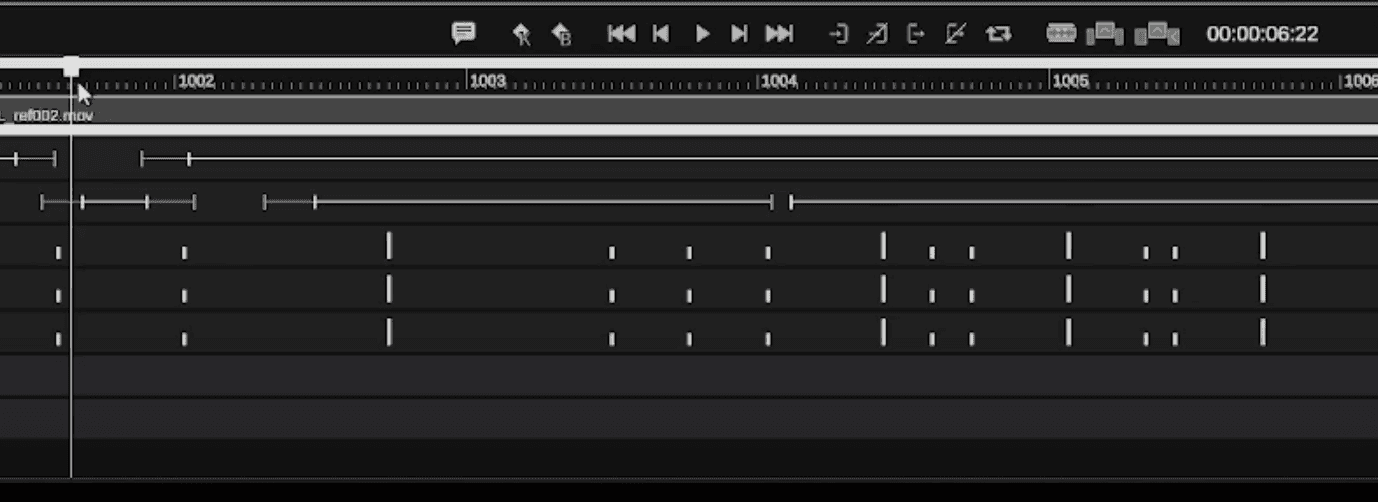
Intelligent Cleaning
AI-powered cleanup and simple, intuitive editing tools get you to production-ready motion capture faster, with full creative control in a familiar pose-to-pose workflow.
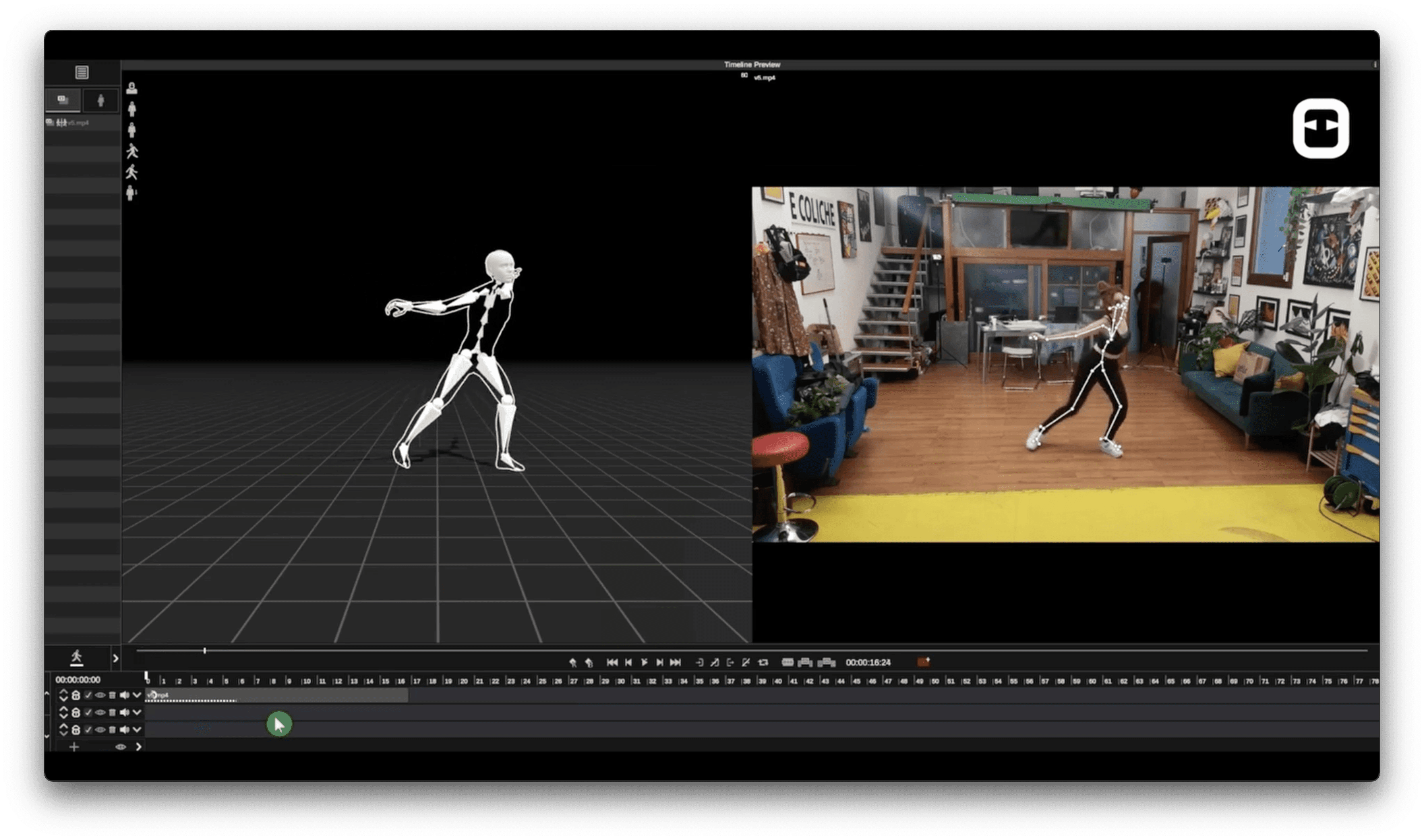
No Suit Required
Production-quality motion capture from a single video, covering body, face, hands, and multiple people. It runs locally on your computer, so you get a real-time preview, a faster workflow, and complete privacy.
Works with your workflow
Marionette comes with plugins for Unreal Engine, Maya & Blender, enabling you to stream your animation directly into your pipeline. You can also export in FBX, GLTF & GLB formats.
Capture & Clean in Marionette.
Finish in Your Pipeline.
Capture & clean with Marionette, animate with your pipeline.
Marionette lets you capture motion from video and clean it intelligently, all in one tool. Export FBX in the Mixamo standard for any platform, or use our plugins for Blender, Unity, and Maya to stream animation straight to your control rigs. Spend less time on setup and more time animating!
Watch video
All-In-One Tool for Mocap
Unlimited Renders
Marionette processes all your motion capture locally on your own computer, so your content never leaves it.
No cloud credits needed!
Intelligent Cleaning
AI-powered cleanup and simple, intuitive editing tools get you to production-ready motion capture faster, with full creative control in a familiar pose-to-pose workflow.
No Suit Required
Production-standard motion capture from a single video, capturing body, face, hands and even multiple people. Running locally on your computer for realtime preview & faster workflows.
Works with your workflow
Marionette comes with plugins for Unreal Engine, Maya & Blender, enabling you to stream your animation directly into your pipeline. You can also export in FBX, GLTF & GLB formats.
Capture & Clean in Marionette.
Finish in Your Pipeline.
Marionette lets you capture motion from video and clean it intelligently, all in one tool. Export FBX in the Mixamo standard for any platform, or use our plugins for Blender, Unity, and Maya to stream animation straight to your control rigs. Spend less time on setup and more time animating!
Watch video
All-In-One Tool for Mocap
Unlimited Renders
Marionette processes all your motion capture locally on your own computer, so your content never leaves it.
No cloud credits needed!
Intelligent Cleaning
AI-powered cleanup and simple, intuitive editing tools get you to production-ready motion capture faster, with full creative control in a familiar pose-to-pose workflow.
No Suit Required
Production-standard motion capture from a single video, capturing body, face, hands and even multiple people. Running locally on your computer for realtime preview, and faster workflows.
Works with your workflow
Marionette comes with plugins for Unreal Engine, Maya & Blender, enabling you to stream your animation directly into your pipeline. You can also export in FBX, GLTF & GLB formats.
Capture & Clean in Marionette.
Finish in Your Pipeline.
Marionette lets you capture motion from video and clean it intelligently, all in one tool. Export FBX in the Mixamo standard for any platform, or use our plugins for Blender, Unity, and Maya to stream animation straight to your control rigs. Spend less time on setup and more time animating!
Explore tutorials
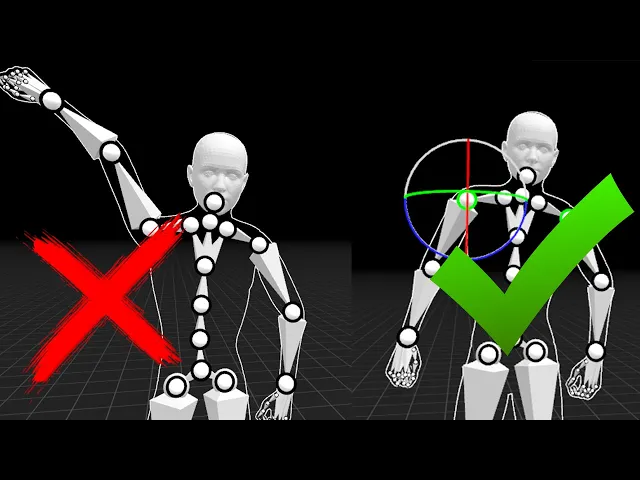
Cleanup
In this tutorial, you'll learn:
Using the rig adjustment tool.
Fixing incorrect joint extensions.
Correcting an overextended shoulder.
How to achieve a more natural and believable final performance.
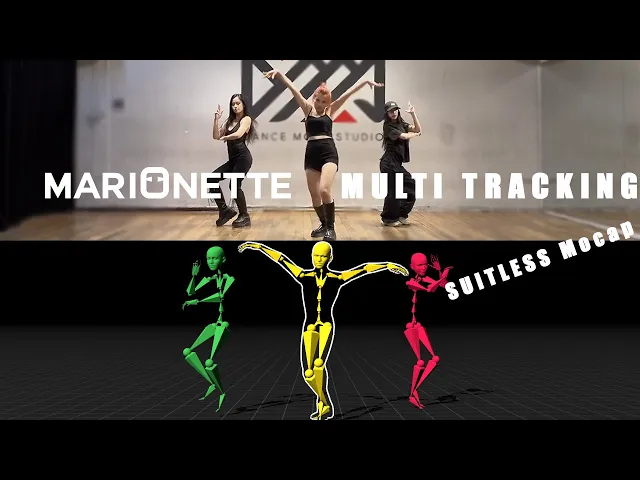
Multiperson
In this tutorial, you'll learn:
Enabling multi person capture.
Picking calibration frame.
Adjusting and refining segmentation masks.
Calibrating the scene & final processing.
Accessing and using the separate takes.
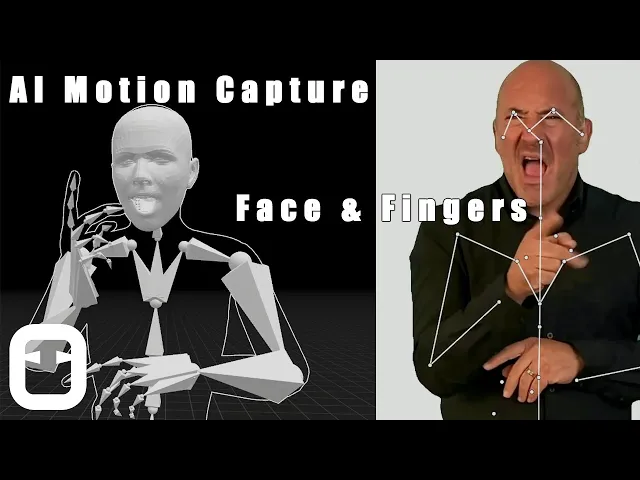
Face & fingers
In this tutorial, you'll learn:
Enabling fingers & face tracking.
Using the automated Clean Motion.
Combining face, fingers & body tracking.
Blender plugin
In this tutorial, you'll learn:
Installing the plugin.
T-Pose for successful retargeting.
How to map controllers.
How to link Marionette & Blender for live preview.
Animation baking.
Unity plugin
In this tutorial, you'll learn:
Installing the plugin.
Preparing your rig
Using realtime preview to animate directly in Unity viewport.
Sending your clip to Unity as a new animation clip.
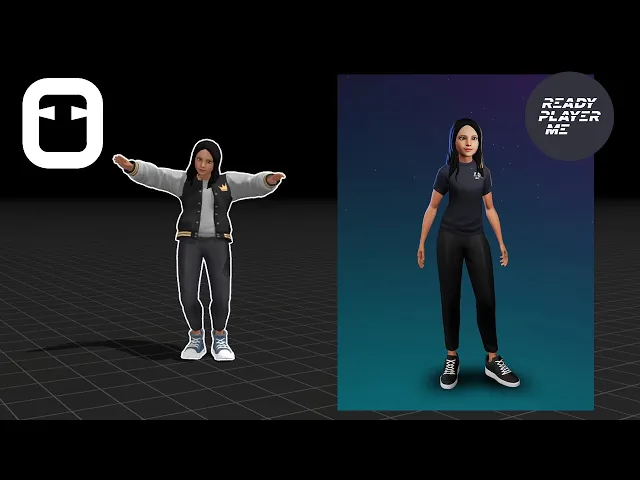
Advanced features
In this tutorial, you'll learn:
Keyboard shortcuts.
Customizing the 3D viewport.
Enable virtual green screen for easier compositing.
Importing Ready Player Me characters.
Applying pre-made animations.
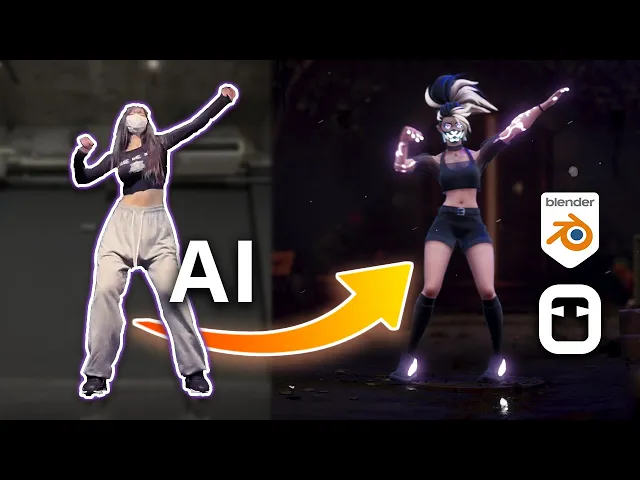
blender tutorial
In this tutorial, you'll learn:
Capturing & cleaning motion.
Rig adjustment & Foot lock.
Retargeting with blender plugin.
Live preview from Marionette to blender.
How make the final render in blender.
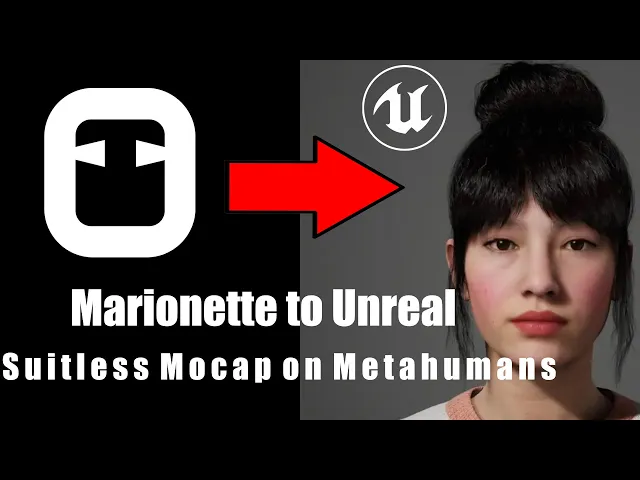
Unreal tutorial
In this tutorial, you'll learn:
Exporting your animation to Unreal.
Export settings.
Retargeting.
Applying your animation in the level sequencer.
Maya Plugin
In this tutorial, you'll learn:
Installing the plugin.
Get quick access.
Retargeting step by step.
Live link for realtime previews.
Baking & cleaning keyframes.
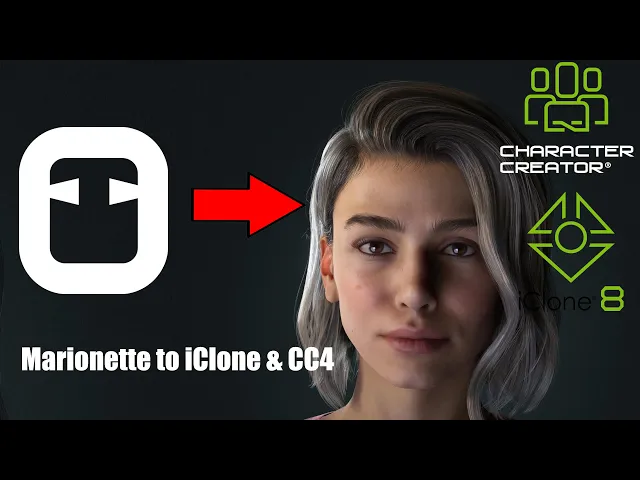
iClone tutorial
In this tutorial, you'll learn:
Exporting animations from Marionette to iClone.
Drag & drop workflow.
Calibrating the T-pose.
Getting production ready animation in minutes.
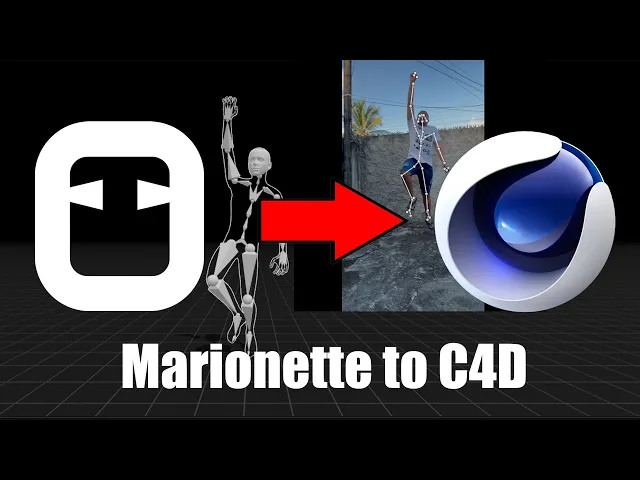
Cinema 4D tutorial
In this tutorial, you'll learn:
Exporting Marionette animations as FBX.
Merging animations into Cinema 4D.
Using Character Definition tags.
Using the Character Solver.
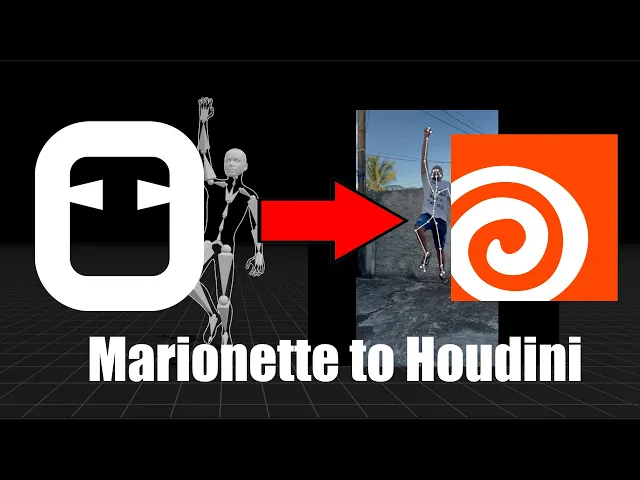
Houdini tutorial
In this tutorial, you'll learn:
Exporting Marionette animations as FBX.
Setting up core retargeting network.
Using the Rig Match Pose tool.
Using the Map Points nodes.
Using the Full Body IK node to solve the final animation.
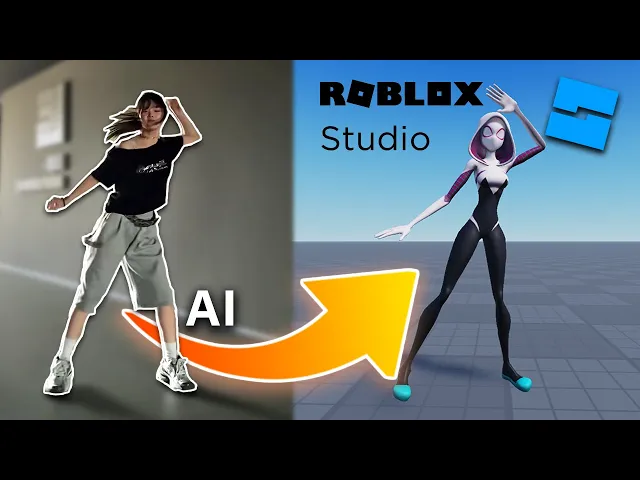
Roblox tutorial
In this tutorial, you'll learn:
Capturing & cleaning motion.
Using the free blender plugin.
Correct settings for blender to Roblox export.
Importing characters & animations into Roblox.
Applying mocap data.
Cleanup
In this tutorial, you'll learn:
Using the rig adjustment tool.
Fixing incorrect joint extensions.
Correcting an overextended shoulder.
How to achieve a more natural and believable final performance.
Multiperson
In this tutorial, you'll learn:
Enabling multi person capture.
Picking calibration frame.
Adjusting and refining segmentation masks.
Calibrating the scene & final processing.
Accessing and using the separate takes.
Face & fingers
In this tutorial, you'll learn:
Enabling fingers & face tracking.
Using the automated Clean Motion.
Combining face, fingers & body tracking.
Blender plugin
In this tutorial, you'll learn:
Installing the plugin.
T-Pose for successful retargeting.
How to map controllers.
How to link Marionette & Blender for live preview.
Animation baking.
Unity plugin
In this tutorial, you'll learn:
Installing the plugin.
Preparing your rig
Using realtime preview to animate directly in Unity viewport.
Sending your clip to Unity as a new animation clip.
Advanced features
In this tutorial, you'll learn:
Keyboard shortcuts.
Customizing the 3D viewport.
Enable virtual green screen for easier compositing.
Importing Ready Player Me characters.
Applying pre-made animations.
blender tutorial
In this tutorial, you'll learn:
Capturing & cleaning motion.
Rig adjustment & Foot lock.
Retargeting with blender plugin.
Live preview from Marionette to blender.
How make the final render in blender.
Unreal tutorial
In this tutorial, you'll learn:
Exporting your animation to Unreal.
Export settings.
Retargeting.
Applying your animation in the level sequencer.
Maya Plugin
In this tutorial, you'll learn:
Installing the plugin.
Get quick access.
Retargeting step by step.
Live link for realtime previews.
Baking & cleaning keyframes.
iClone tutorial
In this tutorial, you'll learn:
Exporting animations from Marionette to iClone.
Drag & drop workflow.
Calibrating the T-pose.
Getting production ready animation in minutes.
Cinema 4D tutorial
In this tutorial, you'll learn:
Exporting Marionette animations as FBX.
Merging animations into Cinema 4D.
Using Character Definition tags.
Using the Character Solver.
Houdini tutorial
In this tutorial, you'll learn:
Exporting Marionette animations as FBX.
Setting up core retargeting network.
Using the Rig Match Pose tool.
Using the Map Points nodes.
Using the Full Body IK node to solve the final animation.
Roblox tutorial
In this tutorial, you'll learn:
Capturing & cleaning motion.
Using the free blender plugin.
Correct settings for blender to Roblox export.
Importing characters & animations into Roblox.
Applying mocap data.
Animator Showcase
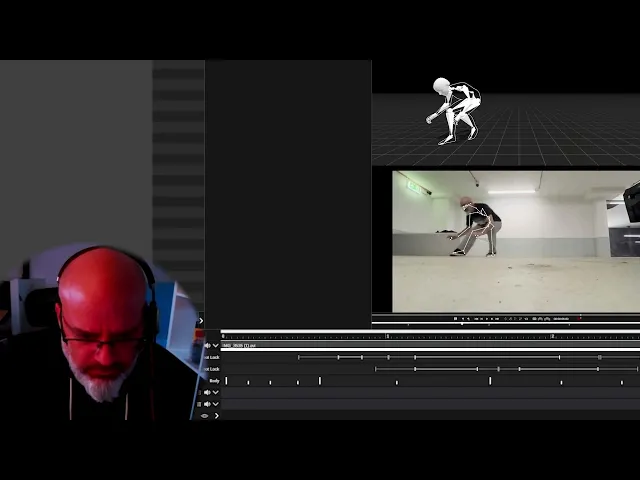
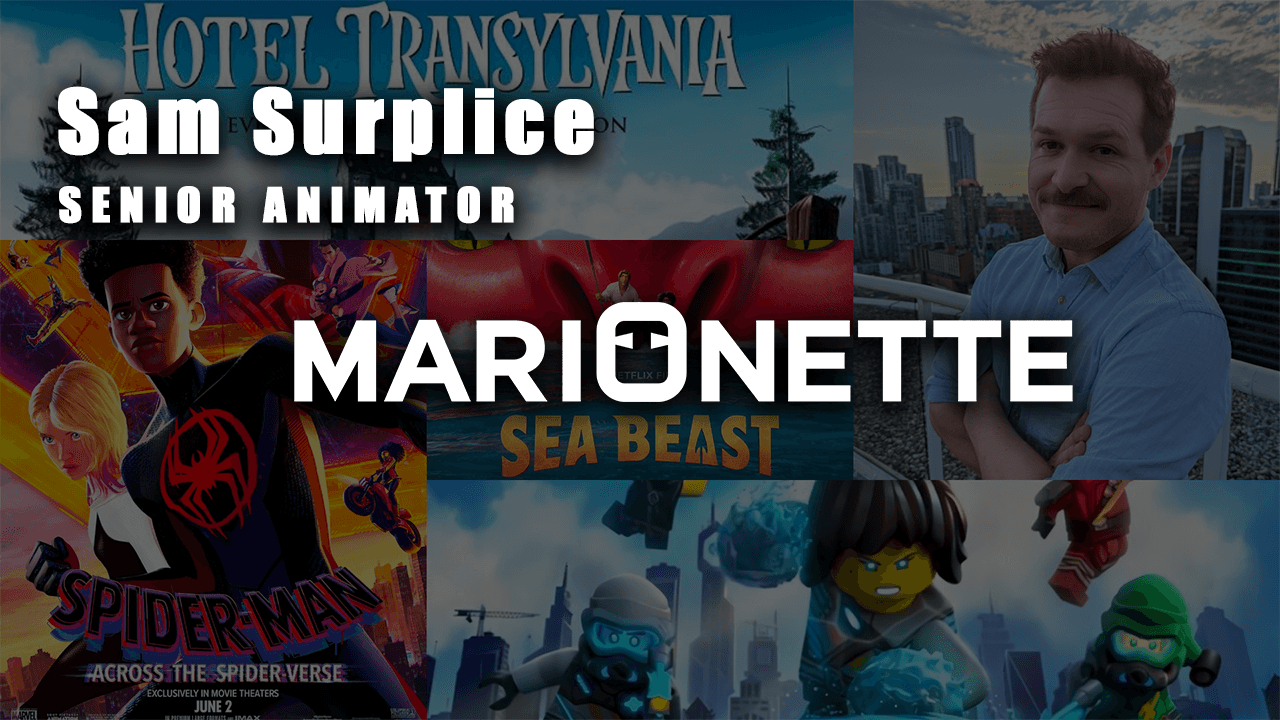

Animator Showcase
Animator Showcase
Animator Showcase
Explore tutorials
Blender plugin
In this tutorial, you'll learn:
Installing the plugin.
T-Pose for successful retargeting.
How to map controllers.
How to link Marionette & Blender for live preview.
Animation baking.
Cleanup
In this tutorial, you'll learn:
Using the rig adjustment tool.
Fixing incorrect joint extensions.
Correcting an overextended shoulder.
How to achieve a more natural and believable final performance.
Face & fingers
In this tutorial, you'll learn:
Enabling fingers & face tracking.
Using the automated Clean Motion.
Combining face, fingers & body tracking.
Multiperson
In this tutorial, you'll learn:
Enabling multi person capture.
Picking calibration frame.
Adjusting and refining segmentation masks.
Calibrating the scene & final processing.
Accessing and using the separate takes.
Unity plugin
In this tutorial, you'll learn:
Installing the plugin.
Preparing your rig
Using realtime preview to animate directly in Unity viewport.
Sending your clip to Unity as a new animation clip.
Unreal tutorial
In this tutorial, you'll learn:
Exporting your animation to Unreal.
Export settings.
Retargeting.
Applying your animation in the level sequencer.
Maya Plugin
In this tutorial, you'll learn:
Installing the plugin.
Get quick access.
Retargeting step by step.
Live link for realtime previews.
Baking & cleaning keyframes.
iClone tutorial
In this tutorial, you'll learn:
Exporting animations from Marionette to iClone.
Drag & drop workflow.
Calibrating the T-pose.
Getting production ready animation in minutes.
Cinema 4D tutorial
In this tutorial, you'll learn:
Exporting Marionette animations as FBX.
Merging animations into Cinema 4D.
Using Character Definition tags.
Using the Character Solver.
Houdini tutorial
In this tutorial, you'll learn:
Exporting Marionette animations as FBX.
Setting up core retargeting network.
Using the Rig Match Pose tool.
Using the Map Points nodes.
Using the Full Body IK node to solve the final animation.
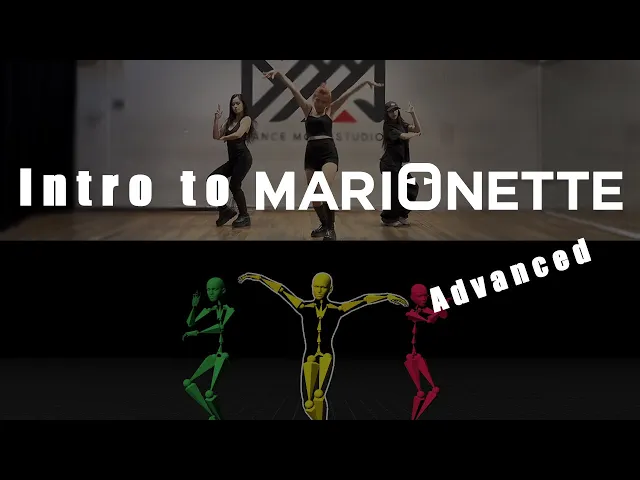
Advanced tutorial
Introduction to our advanced tutorials.
Advanced features
In this tutorial, you'll learn:
Keyboard shortcuts.
Customizing the 3D viewport.
Enable virtual green screen for easier compositing.
Importing Ready Player Me characters.
Applying pre-made animations.
Blender plugin
In this tutorial, you'll learn:
Installing the plugin.
T-Pose for successful retargeting.
How to map controllers.
How to link Marionette & Blender for live preview.
Animation baking.
Cleanup
In this tutorial, you'll learn:
Using the rig adjustment tool.
Fixing incorrect joint extensions.
Correcting an overextended shoulder.
How to achieve a more natural and believable final performance.
Face & fingers
In this tutorial, you'll learn:
Enabling fingers & face tracking.
Using the automated Clean Motion.
Combining face, fingers & body tracking.
Multiperson
In this tutorial, you'll learn:
Enabling multi person capture.
Picking calibration frame.
Adjusting and refining segmentation masks.
Calibrating the scene & final processing.
Accessing and using the separate takes.
Unity plugin
In this tutorial, you'll learn:
Installing the plugin.
Preparing your rig
Using realtime preview to animate directly in Unity viewport.
Sending your clip to Unity as a new animation clip.
Unreal tutorial
In this tutorial, you'll learn:
Exporting your animation to Unreal.
Export settings.
Retargeting.
Applying your animation in the level sequencer.
Maya Plugin
In this tutorial, you'll learn:
Installing the plugin.
Get quick access.
Retargeting step by step.
Live link for realtime previews.
Baking & cleaning keyframes.
iClone tutorial
In this tutorial, you'll learn:
Exporting animations from Marionette to iClone.
Drag & drop workflow.
Calibrating the T-pose.
Getting production ready animation in minutes.
Cinema 4D tutorial
In this tutorial, you'll learn:
Exporting Marionette animations as FBX.
Merging animations into Cinema 4D.
Using Character Definition tags.
Using the Character Solver.
Houdini tutorial
In this tutorial, you'll learn:
Exporting Marionette animations as FBX.
Setting up core retargeting network.
Using the Rig Match Pose tool.
Using the Map Points nodes.
Using the Full Body IK node to solve the final animation.
Advanced tutorial
Introduction to our advanced tutorials.
Advanced features
In this tutorial, you'll learn:
Keyboard shortcuts.
Customizing the 3D viewport.
Enable virtual green screen for easier compositing.
Importing Ready Player Me characters.
Applying pre-made animations.

Unlimited Motion Capture. Simple Pricing.
Straightforward pricing with no hidden costs.
Start For Free
Try out our software as much as you like, with unlimited renders.
Full access to motion capture tools: Multi-Tracking, Body, Hands, & Face
Full access to filters, buffering, breakdown poses, & keyframe reduction
Export to FBX, GLTF, GLB
Stream to Maya or Blender
Limited to 3-second export
Indie
$15.00
/month
For freelancers, teachers, and students
Everything in free plus:
Unlimited export to FBX, GLTF, GLB
Stream to Maya or Blender
Revenue must be less than $100k/year
Studio
$35.00
/month
For professionals and small teams
Everything in Indie plus:
No Commercial Limits
POPULAR
Unlimited Motion Capture. Simple Pricing.
Straightforward pricing with no hidden costs.
Start For Free
Try out our software as much as you like, with unlimited renders.
Full access to motion capture tools: Multi-Tracking, Body, Hands, & Face
Full access to filters, buffering, breakdown poses, & keyframe reduction
Export to FBX, GLTF, GLB
Stream to Maya or Blender
Limited to 3-second export
Indie
$15.00
/month
For freelancers, teachers, and students
Everything in free plus:
Unlimited export to FBX, GLTF, GLB
Stream to Maya or Blender
Revenue must be less than $100k/year
Studio
$35.00
/month
For professionals and small teams
Everything in Indie plus:
No Commercial Limits
POPULAR
Unlimited Motion Capture. Simple Pricing.
Straightforward pricing with no hidden costs.
Start For Free
Try out our software as much as you like, with unlimited renders.
Full access to motion capture tools: Multi-Tracking, Body, Hands, & Face
Full access to filters, buffering, breakdown poses, & keyframe reduction
Export to FBX, GLTF, GLB
Stream to Maya or Blender
Limited to 3-second export
Monthly
Monthly
Yearly
Yearly
Indie
$15.00
/month
For freelancers, teachers, and students
Everything in free plus:
Unlimited export to FBX, GLTF, GLB
Stream to Maya or Blender
Revenue must be less than $100k/year
Studio
$35.00
/month
For professionals and small teams
Everything in Indie plus:
No Commercial Limits
POPULAR
Got questions?
We’ve got answers.
01
Do I need cloud credits and cloud uploading?
Marionette does NOT use Cloud Credits and does NOT make you upload to the Cloud. You pay a flat fee, and can export as much motion capture animation as you like! There are no limits on exporting!
02
What computer specs do I need?
OS: Windows 10 or newer. GPU: Nvidia GeForce GTX 745 or newer. We do not currently support AMD or CPU only.
03
What formats does Marionette support?
Animation export options vary by subscription. All plans include: Previewing & copying to Blender & Maya through our plugins or export baked motion to FBX, GLTF, & GLB Free: 3 second exports & copying to DCCs up to 30 seconds per month – unlimited previews. Indie & Studio: Unlimited You will only be able to export by the type of character import you have. For example, if you use a GLB or import a GLB to use, it will ONLY export a GLB. Marionette does not perform conversions. Our default character is FBX. You can export your animations with our default character and extract the animation for use elsewhere, if needed.
04
Will I get access to future updates?
Yes, we continuously update Marionette with new algorithms and features.
05
Does Marionette support face, hands and multi-person tracking?
Yes, Marionette supports face tracking, hand tracking and even tracking of multiple people, all from one camera.
06
Can I get support if needed?
Yes! Either through our Discord community or by reaching out via support@marionettexr.com. Make sure to also check out our extensive tutorial section.
07
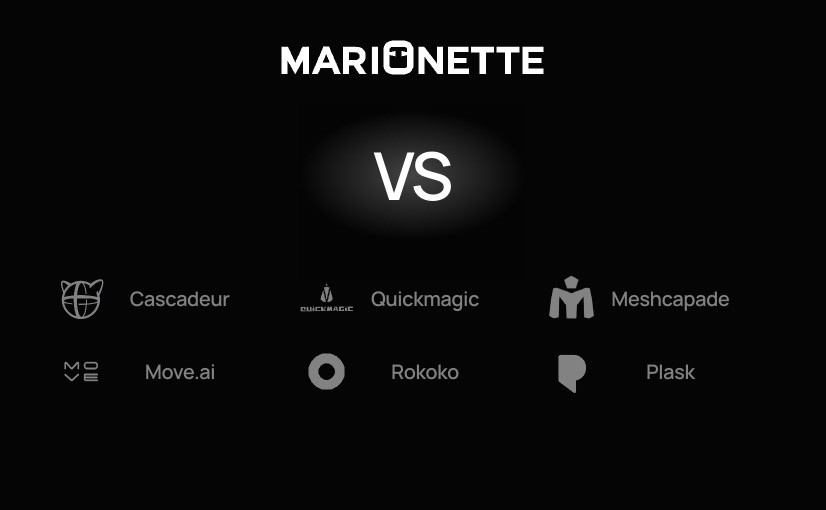
How does Marionette mocap compare to other motion capture tools for 3D animation?
08
How to manage or cancel a subscription?
You can manage your subscription at https://marionette.onfastspring.com/account
Explore the blog
Explore the blog
Explore the blog
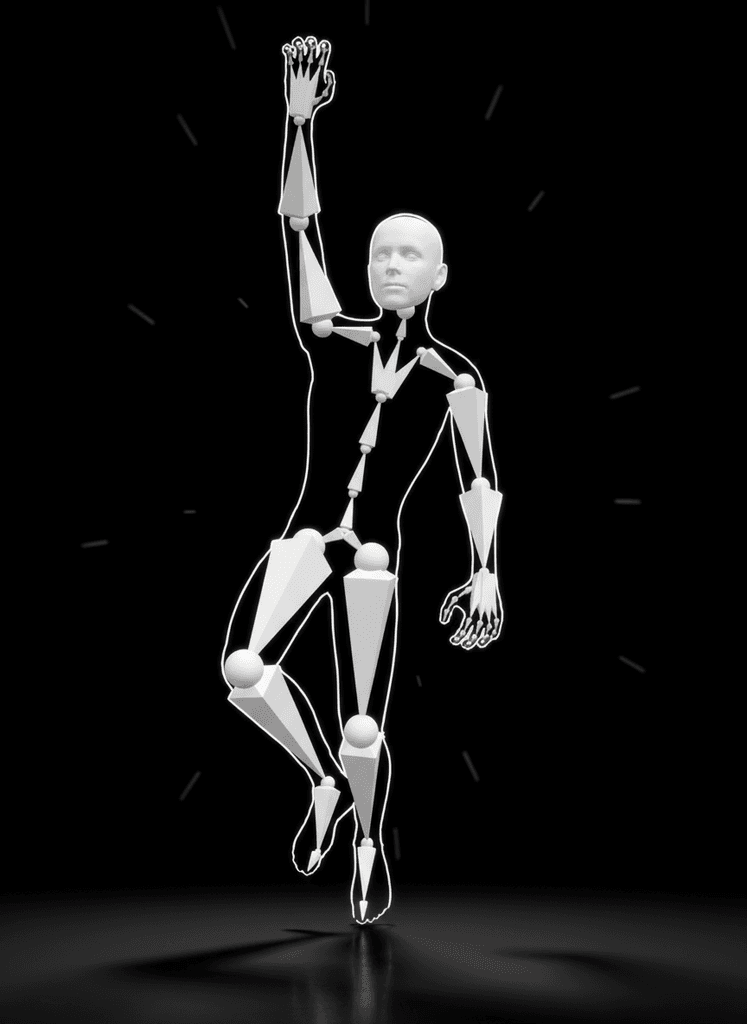
Ready to take your animations to the next level?
Start your journey to creating world class animations with powerful, unlimited video mocap, powered by AI.
Ready to take your animations to the next level?
Start your journey to creating world class animations with powerful, unlimited video mocap, powered by AI.
Ready to take your animations to the next level?
Start your journey to creating world class animations with powerful, unlimited video mocap, powered by AI.
Ready to take your animations to the next level?
Start your journey to creating world class animations with powerful, unlimited video mocap, powered by AI.